🎯 Overview
Patch Forge is a comprehensive solution for managing game updates, DLC, and incremental content delivery in Unreal Engine . Designed for both indie developers and AAA studios, it streamlines the entire patching workflow from development to distribution.
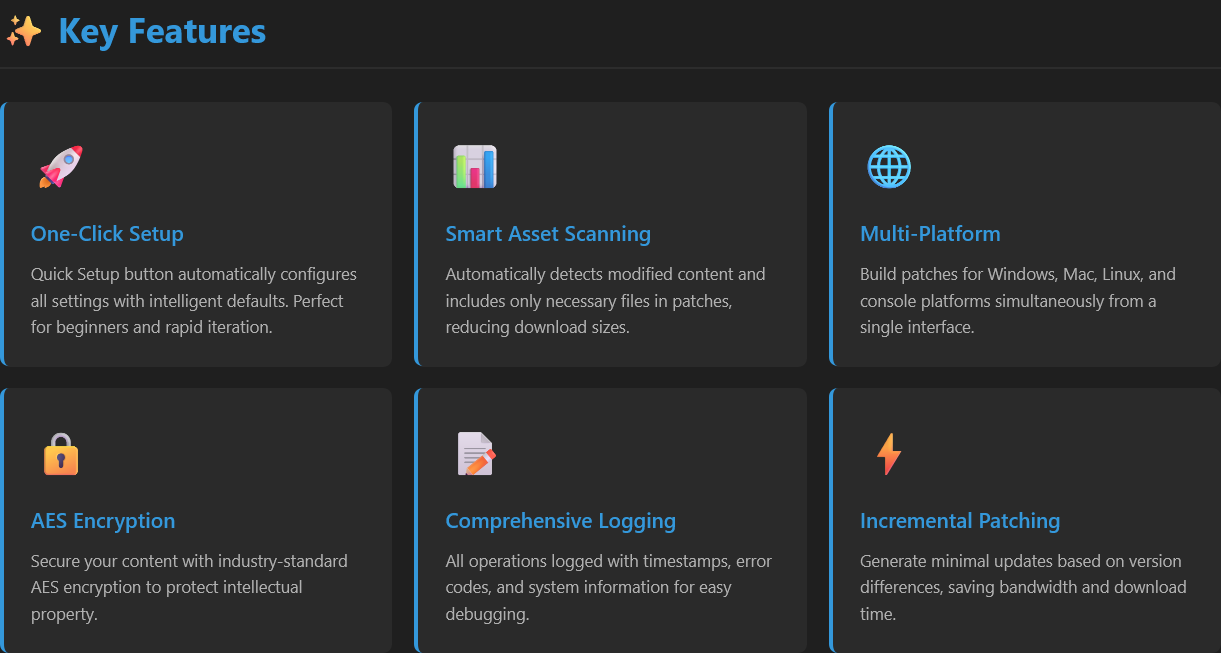
✨ Key Features
One-Click Setup
Quick Setup button automatically configures all settings with intelligent defaults. Perfect for beginners and rapid iteration.
Smart Asset Scanning
Automatically detects modified content and includes only necessary files in patches, reducing download sizes.
Multi-Platform
Build patches for Windows, Mac, Linux, and console platforms simultaneously from a single interface.
AES Encryption
Secure your content with industry-standard AES encryption to protect intellectual property.
Comprehensive Logging
All operations logged with timestamps, error codes, and system information for easy debugging.
Incremental Patching
Generate minimal updates based on version differences, saving bandwidth and download time.
🏁 Quick Start Guide
Creating Your First Patch
1
Open Patch Forge from the toolbar or Window menu
2
Navigate to the Patch tab
3
Click "Quick Setup" to auto-configure settings
4
Review version ID and asset directories
5
Click "Generate Patch" and monitor progress
6
Use "Open Logs" to verify successful completion
💡 Pro Tip: The Quick Setup feature automatically scans your Content folder, generates a version ID based on the current date, and configures recommended settings. Perfect for rapid prototyping!
🔧 Advanced Capabilities
Version Management
- Synchronized version IDs across Patch and Release configurations
- Automatic version increment suggestions
- Base version comparison for incremental updates
- JSON export for version tracking
Asset Processing
- Parallel asset cooking for improved performance
- Shader compilation optimization
- Asset registry serialization
- Dependency analysis and resolution
Distribution Tools
- Chunk-based content delivery
- External file integration
- Binary patching for executables
- Metadata backup and restoration
💻 System Requirements
| Component | Minimum | Recommended |
|---|---|---|
| Unreal Engine | 4.27 - 5.7 | 4.27.2 -5.7.2 |
| Operating System | Windows 10 (64-bit) | Windows 11 (64-bit) |
| Compiler | Visual Studio 2019 | Visual Studio 2022 |
| RAM | 8 GB | 16 GB |
| Storage | Varies by project | SSD recommended |
🔍 Logging & Debugging
Every operation is automatically logged to Saved/Logs/PatchForge/ with:
- Timestamped logs - Track exactly when operations occurred
- Error codes - Specific identifiers for quick troubleshooting
- Crash reports - Detailed system information on failures
- Performance metrics - Operation duration and timing data
⚠️ Important: Always check the logs after failed operations. Click the "Open Logs" button to access the logs folder directly from the UI.
📚 Best Practices
Version Management
- Use semantic versioning (e.g.,
1.0.20260216) - Archive release JSON files for historical reference
- Test patches in isolated environments before deployment
Performance Optimization
- Enable parallel cooking for large projects
- Use the chunk system for DLC content delivery
- Optimize asset registry size by filtering unnecessary dependencies
Content Security
- Always use AES encryption for commercial releases
- Store encryption keys securely, never in version control
- Rotate encryption keys between major versions
🎮 Ready to Get Started?
Install Patch Forge today and revolutionize your content delivery workflow!
📖 View Documentation 🚀 Quick Start Guide