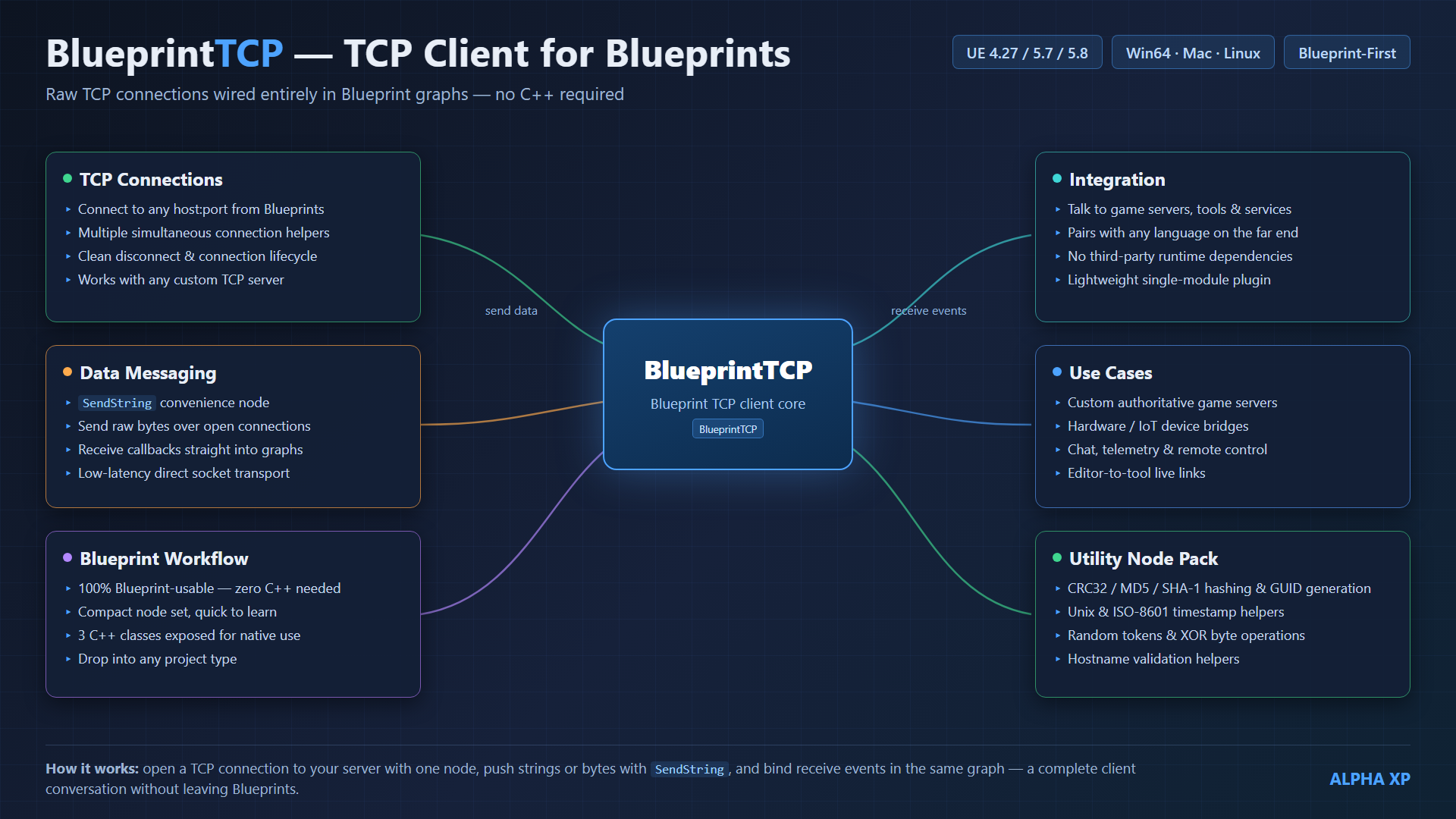
Overview
BlueprintTCP is a lightweight UE 4.27–5.0+ plugin that lets you connect to any TCP server and exchange data entirely from Blueprints (C++ is also supported). Place one BlueprintTCP Connection actor, call Connect, and send/receive arbitrary byte streams to game backends, IoT devices, chat servers, hardware bridges, or any TCP endpoint.
Each connection runs on its own background thread, so blocking socket I/O never stalls the game thread. Incoming data is marshalled back to the game thread and delivered through Blueprint events. One actor can manage many simultaneous connections, each addressed by a ConnectionId.
SendString convenience over the original single-socket foundation.Requirements
| Requirement | Details |
|---|---|
| Unreal Engine | 4.27–5.0+ |
| Modules | Sockets, Networking — engine built-ins, nothing to install |
| Language | Blueprints and/or C++ |
| Platforms | Win64, Linux, Mac |
Installation
- Copy the
BlueprintTCPfolder into your project'sPlugins/directory. - C++ projects: right-click the
.uproject→ Generate Visual Studio project files, then build. Blueprint-only projects can launch the editor directly. - Open Edit → Plugins → Networking, confirm BlueprintTCP is enabled, and restart if prompted.
Quick Start (Blueprints)
- Place the actor. Drag a
BlueprintTCP Connectionactor into the level (or Spawn Actor from Class). Keep a reference. - Connect. Call
Connectwith IP, port, and three bound events; store the outputConnection Id. - Send. Use
Send Stringfor text, or build a byte array and callSend Data. - Receive. Your
On Message Receivedevent fires on the game thread; drain it with the Read nodes. - Clean up.
Disconnect/Disconnect All(also auto-closed on EndPlay).
Event BeginPlay
 └─ Connect (Conn, "127.0.0.1", 7777, OnDisc, OnConn, OnMsg)  →  set ConnId

Event OnConn (ConnId)
 └─ Send String (Conn, ConnId, "HELLO\n")

Event OnMsg (ConnId, Message)
 ├─ Length = Read Int (Message)
 ├─ Text   = Read String (Message, Length)
 └─ Print String (Text)
API — Connection management
| Node | Type | Description |
|---|---|---|
| Connect | Callable | Open a connection to ipAddress:port; binds the three delegates; returns a new ConnectionId. |
| Disconnect | Callable | Close the connection with the given ConnectionId. |
| Disconnect All | Callable | Close every active connection on this actor. |
| Is Connected | Pure | true while the given ConnectionId is connected. |
| Get Active Connection Count | Pure | Number of connections currently tracked. |
| Get Active Connection Ids | Pure | Array of all active ConnectionIds. |
API — Events
Bind these when you call Connect. All fire on the game thread.
| Delegate | Signature | When |
|---|---|---|
| On Connected Event | (int32 ConnectionId) | The socket finished connecting. |
| On Disconnected Event | (int32 ConnectionId) | The socket closed (remote, error, or Disconnect). |
| On Message Received Event | (int32 ConnectionId, TArray<uint8>& Message) | Bytes arrived; drain with the Read nodes. |
API — Sending
| Node | Returns | Description |
|---|---|---|
| Send Data | bool | Send a raw byte array on a ConnectionId. false = not connected. true = sent while connected (not a delivery guarantee). |
| Send String | bool | Convenience: UTF-8 encode a string and send it. Returns the result of Send Data. |
API — Building byte arrays (pure)
| Node | Display | Notes |
|---|---|---|
| Append Bytes | A + B | Concatenate two byte arrays. |
| Byte To Bytes | -> | Single byte → 1-element array. |
| Int To Bytes | -> | int32 → 4 bytes. |
| Int64 To Bytes | -> | int64 → 8 bytes. |
| Float To Bytes | 4-> | float → 4 bytes. |
| String To Bytes | -> | FString → bytes. |
Conv_ShortToBytes (int16) and Conv_DoubleToBytes (double) — those types aren't Blueprint types in UE 4.27–5.0+.API — Reading received messages
Each Read node consumes bytes from the front of Message (passed by ref), so call them in your protocol's order.
| Node | Returns | Description |
|---|---|---|
| Read Bytes | bool + array | Read NumBytes raw bytes. |
| Read Byte | uint8 | Read one byte. |
| Read Int | int32 | Read 4 bytes as an integer. |
| Read Int64 | int64 | Read 8 bytes as a 64-bit integer. |
| Read Float | float | Read 4 bytes as a float. |
| Read String | FString | Read StringLength bytes as a string. |
Message_ReadShort (int16) and Message_ReadDouble (double).Utility node pack
General-purpose networking utilities on UBlueprintTCPLibrary — available from Blueprints and C++.
| Node | Type | Description |
|---|---|---|
| CRC32 Of Bytes | Pure | CRC32 checksum of a byte array. |
| MD5 Of String / SHA1 Of String | Pure | Hex digests of a UTF-8 string. |
| Make Guid String | Pure | New random GUID (hyphenated). |
| Now Unix Seconds | Pure | Current UTC time as Unix seconds. |
| Unix Seconds To ISO8601 | Pure | Unix seconds → ISO-8601 UTC string. |
| Format Byte Size | Pure | Human-readable size, e.g. 1536 → 1.5 KB. |
| Random Token | Pure | Random alphanumeric token (ids, nonces). |
| XOR Bytes With Key | Pure | XOR bytes with a repeating key (obfuscation, not encryption). |
| Is Valid Hostname | Pure | RFC-952/1123-style hostname validation. |
Tunables (actor properties)
| Property | Default | Description |
|---|---|---|
| Receive Buffer Size | 16384 | Socket receive buffer in bytes (applied at socket creation). |
| Send Buffer Size | 16384 | Reserved; currently not used. |
| Time Between Ticks | 0.008 | Worker-thread poll interval (s). ~1 ms wake-up overhead applies. |
C++ Usage
Include BlueprintTCPConnection.h and use ABlueprintTCPConnection directly:
int32 ConnId = 0;
FBlueprintTCPDisconnectDelegate OnDisc; OnDisc.BindUFunction(this, FName("HandleDisconnected"));
FBlueprintTCPConnectDelegate    OnConn; OnConn.BindUFunction(this, FName("HandleConnected"));
FBlueprintTCPReceivedMessageDelegate OnMsg; OnMsg.BindUFunction(this, FName("HandleMessage"));

Connection->Connect(TEXT("127.0.0.1"), 7777, OnDisc, OnConn, OnMsg, ConnId);
Connection->SendString(ConnId, TEXT("ping\n"));
Add "Sockets" and "Networking" to your module dependencies if you touch the worker layer directly.
How It Works
Each Connect spins up an FBlueprintTCPWorker (FRunnable) on its own thread with an incrementing ConnectionId. The worker performs the blocking connect/receive; data moves between threads via lock-free single-producer/single-consumer queues (inbox worker→game, outbox game→worker). The actor's Tick drains the inbox and fires Blueprint events on the game thread.
Worker callbacks carry a TWeakObjectPtr back to the actor, so stopping PIE mid-connect (a blocking timeout) can never dereference freed memory.
Project Settings
Project Settings → Plugins → BlueprintTCP
| Setting | Description |
|---|---|
| Post Errors To Message Log | When enabled, socket errors are written to the editor Message Log. |
Troubleshooting
Is Connected first, and use the ConnectionId returned by Connect.Int To Bytes + Read Int + Read Bytes/Read String).