MonetizePro
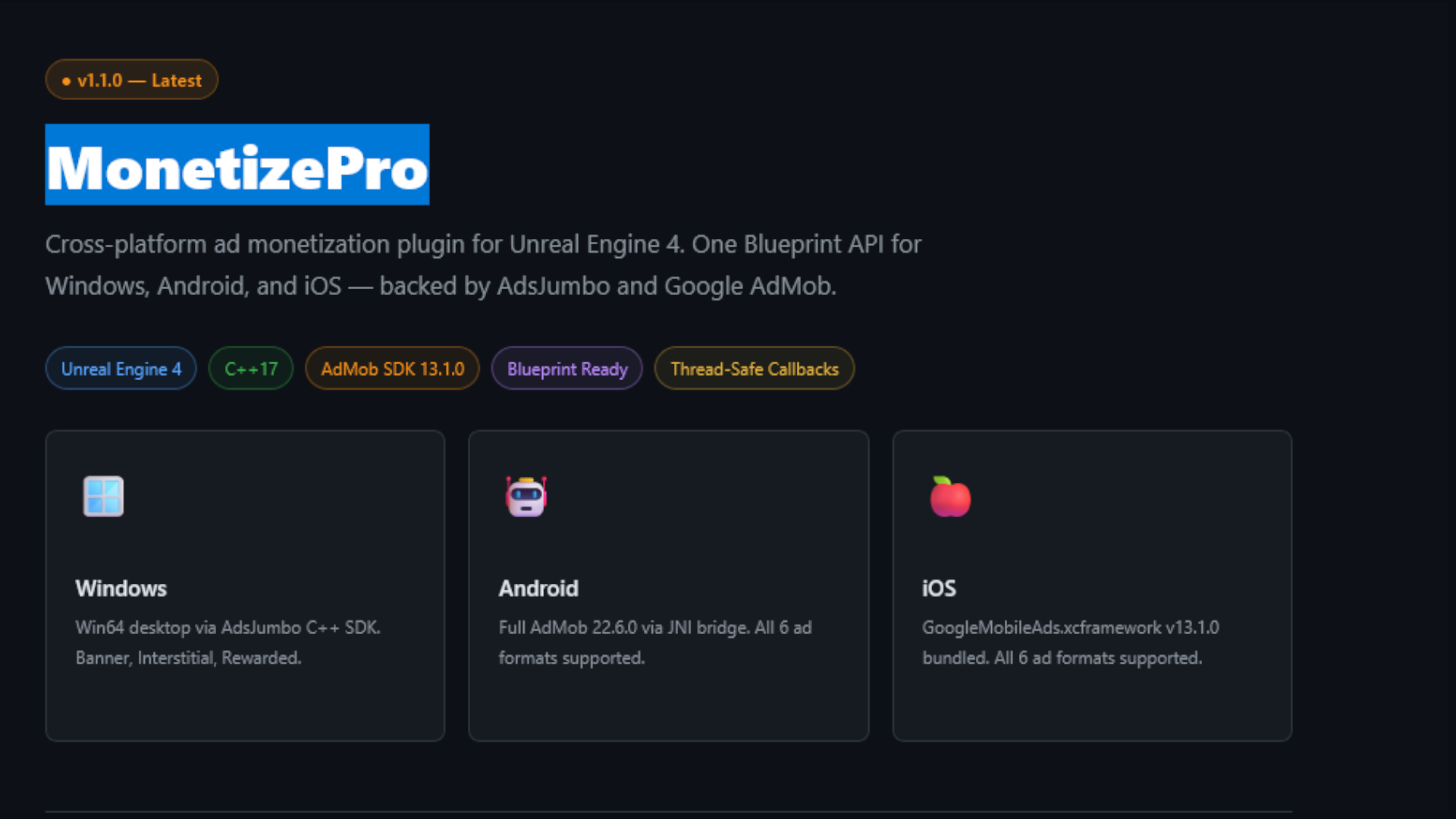
Cross-platform ad monetization plugin for Unreal Engine 4. One Blueprint API for Windows, Android, and iOS — backed by AdsJumbo and Google AdMob.
Windows
Win64 desktop via AdsJumbo C++ SDK. Banner, Interstitial, Rewarded.
Android
Full AdMob 22.6.0 via JNI bridge. All 6 ad formats supported.
iOS
GoogleMobileAds.xcframework v13.1.0 bundled. All 6 ad formats supported.
What Is MonetizePro?
MonetizePro is a UE4 C++ Runtime plugin that adds ad monetization to games without writing platform-specific code. Define your ad units once in Project Settings, then load and show any ad format from Blueprint in one node.
Features
Named Ad Unit Registry
Define all placements in Project Settings. Reference by FName in Blueprint. Change a Unit ID in one place — every Blueprint updates automatically.
Game Thread Callbacks
All SDK callbacks — regardless of which thread the native SDK fires on — are dispatched to the Game Thread before reaching Blueprint. No manual synchronisation required.
Video Event Callbacks
OnVideoStarted, OnVideoCompleted, OnVideoMuted, OnVideoUnmuted — fine-grained control to mute game audio and grant rewards at exactly the right moment.
Runtime Banner Repositioning
Move a live banner without tearing it down. Call Set Banner Position at any time — no reload, no flicker, immediate repositioning.
Null Provider Fallback
If no SDK is configured, all calls route to FNullAdProvider which logs warnings and no-ops safely. The project always compiles and runs.
Auto SDK Detection
Build.cs checks for the AdsJumbo DLL at compile time. Headers-only mode compiles cleanly with ADSJUMBO_SDK=0 — no lib-not-found warnings.
System Requirements
| Target | Requirement |
|---|---|
| Unreal Engine | 4.27 or later |
| C++ Standard | C++17 |
| Win64 | Visual Studio 2019 or 2022 |
| Android | NDK r25b+, Gradle 7+, API level 21+ |
| iOS | macOS 13+, Xcode 16+, iOS 13.0 minimum deployment |
Installation
-
Copy the plugin folder Place the
MonetizeProfolder inside your project'sPlugins/directory. TheMonetizePro.upluginfile must be at the root. -
Enable in the Editor Main menu → Edit → Plugins → search MonetizePro → tick Enabled → click Restart Now.
-
C++ projects only Add the module to your game's
Build.cs:
Blueprint-only projects skip this step.PrivateDependencyModuleNames.Add("MonetizePro"); -
Verify Main menu → Edit → Project Settings → Plugins → MonetizePro should appear. If it does, the plugin is active.
Project Settings
All runtime configuration lives here. Changes are saved to Config/DefaultMonetizePro.ini and can be source-controlled.
| Field | Type | Default | Description |
|---|---|---|---|
Active Ad Provider | enum | None | Which SDK to use: None / AdMob / AdsJumbo / Unity Ads |
AdMob App ID (Android) | string | "" | Full ca-app-pub-XXXX~YYYY ID from AdMob console |
AdMob App ID (iOS) | string | "" | Full ca-app-pub-XXXX~YYYY ID from AdMob console |
AdsJumbo App ID (Win64) | string | "" | App ID from AdsJumbo dashboard |
Ad Units | array | [] | Named ad unit registry — see section below |
Default Banner Size | enum | Banner 320×50 | Fallback size when not specified per call |
Default Banner Position | enum | Bottom Center | Fallback position when not specified per call |
GDPR Consent Granted | bool | false | Whether the user consented to personalised ads |
COPPA Mode | bool | false | Disable personalised ads for child-directed apps |
Test Mode | bool | true | Use test creatives. Set false before shipping |
Verbose Logging | bool | false | Log all SDK calls and callbacks |
Ad Unit Registry
Each row in the Ad Units array represents one placement in your game. Give it a unique name, choose its format, and fill in the platform-specific IDs.
| Field | Description |
|---|---|
Name | FName you type in Blueprint to select this unit (e.g. HomeScreen_Banner) |
Ad Type | The format — Banner / Interstitial / Native / Rewarded / Rewarded Interstitial / App Open |
Unit ID (Windows) | AdsJumbo Unit ID for Win64 builds |
Unit ID (Android) | AdMob Unit ID for Android builds |
Unit ID (iOS) | AdMob Unit ID for iOS builds |
Example entries
// Project Settings → Ad Units — example rows

Row 0:  Name = "HomeScreen_Banner"       Type = Banner
        Android = "ca-app-pub-3940256099942544/6300978111"  ← test ID
        iOS     = "ca-app-pub-3940256099942544/2934735716"

Row 1:  Name = "GameOver_Interstitial"   Type = Interstitial
        Android = "ca-app-pub-3940256099942544/1033173712"
        iOS     = "ca-app-pub-3940256099942544/4411468910"

Row 2:  Name = "ExtraLife_Rewarded"      Type = Rewarded
        Android = "ca-app-pub-3940256099942544/5224354917"
iOS = "ca-app-pub-3940256099942544/1712485313"AdMob — Android
The Android SDK is injected automatically by UPL. No manual download is required.
What UPL_Android.xml injects
| Injection | Value |
|---|---|
| Gradle dependency | com.google.android.gms:play-services-ads:22.6.0 |
| Gradle dependency | com.google.android.gms:user-messaging-platform:2.2.0 |
| Manifest meta-data | GADApplicationIdentifier |
| Permissions | INTERNET, ACCESS_NETWORK_STATE |
| Proguard rules | AdMob class preservation rules |
- Set your App ID
Project Settings → MonetizePro → AdMob App ID (Android) - Keep Test Mode on during development. Use the official Google test unit IDs (see Test Mode section).
- Package for Android — Gradle will pull the SDK automatically during the build.
AdMob — iOS
The real SDK binaries are already bundled inside the plugin. No download is needed.
| File | Size | Purpose |
|---|---|---|
ThirdParty/AdMob/IOS/GoogleMobileAds.xcframework | ~13 MB | AdMob SDK v13.1.0 — arm64 device + simulator slices |
ThirdParty/AdMob/IOS/UserMessagingPlatform.xcframework | ~176 KB | GDPR / IAB TCF 2.0 consent SDK |
System frameworks linked automatically
- Set your App ID
Project Settings → MonetizePro → AdMob App ID (iOS) - Update ATT description
OpenPrivate/Platform/UPL_IOS.xmland editNSUserTrackingUsageDescriptionto describe your app's tracking usage. - Build on macOS
Requires macOS 13+ and Xcode 16+. iOS builds cannot be packaged from Windows.
AdsJumbo — Win64
The header interface is included. The binary files must be obtained from adsjumbo.com/developers and placed in the correct folders.
Auto-detection logic in Build.cs
You never need to edit Build.cs. The plugin compiles cleanly in stub mode (logged no-ops) until the real binaries are present.
Getting the Subsystem
The subsystem is your single entry point for all ad operations. It is created automatically when the game instance starts — you never construct it manually.
In any Blueprint: right-click graph → search MonetizePro → select Get MonetizePro Subsystem
Events
Bind these delegates in Begin Play before loading any ads. All events are delivered on the Game Thread.
Banner Ads
Recommended flow
Interstitial Ads
Full-screen ads shown at natural transition points. Pre-load during idle time so the ad is ready instantly when needed.
Rewarded Ads
Opt-in videos the user watches in exchange for in-game items. The reward is only granted after the video plays fully.
Callback order
Best practice flow
Rewarded Interstitial
Like rewarded ads but shown without the user opting in. Reward is still delivered via OnRewardGranted. Requires AdMob account allowlisting.
App Open Ads
Shown when the user brings the app to the foreground. Pre-load on startup, show on OnApplicationReactivated.
Native Ads
Native ads load ad data; you render it using your own UMG widgets. MonetizePro fires OnAdLoaded when data is ready.
OnAdLoaded callback when Ad Type = Native.Utility Nodes
These are pure (no execution pin) Blueprint nodes callable anywhere.
| Node | Returns | Use Case |
|---|---|---|
Get MonetizePro Version | String | Credits screen, analytics, debug HUD |
Is Monetization Supported | bool | Hide "Watch Ad" buttons on unsupported platforms |
Get Active Provider Name | String | Debug overlay, QA reporting |
Get Ad Unit ID By Name | String | Logging, third-party bridge, debug display |
Is Ad Ready | bool | Guard before every Show call |
// C++ equivalent — same result as the Blueprint pure node
bool bSupported = UMonetizeProBPLibrary::IsMonetizationSupported();
FString UnitId = Sub->GetAdUnitId(FName("ExtraLife_Rewarded"), EAdType::Rewarded);Ad Formats
| EAdType Value | Display Name | Description |
|---|---|---|
Banner | Banner | Persistent inline strip ad |
Interstitial | Interstitial | Full-screen image or video with skip button |
Native | Native | Custom-rendered ad data in your own UMG |
Rewarded | Rewarded | Opt-in video — user earns a reward on completion |
RewardedInterstitial | Rewarded Interstitial | Auto-shown video — reward granted on completion |
AppOpen | App Open | Fullscreen ad shown on app foreground |
Banner Sizes
| EBannerSize | dp Size | Availability | AdMob Constant |
|---|---|---|---|
Banner | 320 × 50 | Phones & Tablets | BANNER |
LargeBanner | 320 × 100 | Phones & Tablets | LARGE_BANNER |
MediumRectangle | 300 × 250 | Phones & Tablets | MEDIUM_RECTANGLE |
FullBanner | 468 × 60 | Tablets | FULL_BANNER |
Leaderboard | 728 × 90 | Tablets | LEADERBOARD |
Platform Support Matrix
| Format | Win64 | Android | iOS |
|---|---|---|---|
| Banner | ✓ * | ✓ | ✓ |
| Interstitial | ✓ * | ✓ | ✓ |
| Rewarded | ✓ * | ✓ | ✓ |
| Rewarded Interstitial | ✗ | ✓ | ✓ |
| App Open | ✗ | ✓ | ✓ |
| Native | ✗ | ✓ | ✓ |
* Win64 requires AdsJumbo.lib + AdsJumbo.dll in ThirdParty. Without binaries, calls are safe no-ops.
Privacy & Compliance
GDPR
Call Set GDPR Consent before the first ad load. You are responsible for showing your own consent dialog and passing the result.
COPPA
Call Set COPPA Compliance (true) before the first ad load for child-directed apps. This disables personalised ads and location targeting for all users of that app instance.
ATT — iOS 14+
The NSUserTrackingUsageDescription string in UPL_IOS.xml drives the iOS system ATT prompt. Update this string to accurately describe your tracking usage before submitting to App Store review.
Test Mode
Project Settings → Debug → Test Mode (default: true). Use Google's official test unit IDs while developing.
| Format | Android Test Unit ID | iOS Test Unit ID |
|---|---|---|
| Banner | ca-app-pub-3940256099942544/6300978111 | ca-app-pub-3940256099942544/2934735716 |
| Interstitial | ca-app-pub-3940256099942544/1033173712 | ca-app-pub-3940256099942544/4411468910 |
| Rewarded | ca-app-pub-3940256099942544/5224354917 | ca-app-pub-3940256099942544/1712485313 |
| Rewarded Interstitial | ca-app-pub-3940256099942544/5354046379 | ca-app-pub-3940256099942544/6978759866 |
| App Open | ca-app-pub-3940256099942544/9257395921 | ca-app-pub-3940256099942544/5575463023 |
| Native | ca-app-pub-3940256099942544/2247696110 | ca-app-pub-3940256099942544/3986624511 |
Logging & Debugging
| Category | Level | Source |
|---|---|---|
LogMonetizePro | Log | Subsystem — provider selection, unit ID resolution |
LogAdsJumbo | Log | FAdsJumboProvider |
LogNullAdProvider | Warning | FNullAdProvider — fires on every call |
LogAdMobAndroid | Log | FAdMobAndroidProvider |
LogAdMobIOS | Log | FAdMobIOSProvider |
Common messages
// Provider not configured
"No provider matched for current platform/config. Falling back to NullProvider."
→ Set Active Ad Provider in Project Settings

// Name not found in registry
"Ad unit 'ExtraLife_Rewarded' (type 3) not found in Project Settings."
→ Check spelling and Ad Type match in Project Settings → Ad Units

// AdsJumbo SDK missing
"[AdsJumboProvider] SDK binaries not found."
→ Place AdsJumbo.lib + AdsJumbo.dll in ThirdParty/AdsJumbo/Win64/Lib/ and /Bin/

// No provider set
"[NullAdProvider] LoadBanner called — no active provider configured."
→ Set Active Ad Provider in Project Settings → ProviderFile Structure
Architecture
Callback data flow
- Blueprint calls
LoadRewarded("ExtraLife_Rewarded")on the subsystem. - Subsystem resolves the name → platform Unit ID string via
ResolveAdUnitId(). - Subsystem forwards to the active
IAdProviderimplementation. - Native SDK fires a callback (potentially on a background thread).
- Provider wraps it in
AsyncTask(ENamedThreads::GameThread, …)and calls the boundTFunction<>. - Subsystem broadcasts the
DYNAMIC_MULTICAST_DELEGATE— Blueprint receives the event safely on the Game Thread.
Changelog
- Ad formats: Native, Rewarded Interstitial, App Open
- Fixed IAB banner sizes: Banner / LargeBanner / MediumRectangle / FullBanner / Leaderboard
- Named Ad Unit registry —
TArray<FAdUnitEntry>in Project Settings - All Blueprint Load* functions take
FName AdUnitName— no raw strings in graphs SetBannerPosition— live reposition without reload- Video callbacks: OnVideoStarted, OnVideoCompleted, OnVideoMuted, OnVideoUnmuted
- Lifecycle callbacks: OnAdClicked, OnAdImpression
- Documentation.txt + Blueprint_Instructions.txt + index.html
- Copyright year (2026) and name (Alpha XP) applied to all source files
- Build.cs: replaced
Directory.ExistswithFile.Exists— eliminates "lib not resolvable" warning - MonetizeProBPLibrary: removed
AddWeakLambdafrom dynamic delegate (C2039) - AdsJumboProvider: fixed
OnRewardGranted/ video callback name clash viaIAdProvider*cast (C3867/C2664)
- Initial release — provider pattern with IAdProvider interface
- NullAdProvider, AdsJumboProvider (Win64 stub), AdMobAndroidProvider (JNI), AdMobIOSProvider (Obj-C++)
- UPL Android + iOS — Gradle deps, manifest entries, plist keys
- Real GoogleMobileAds.xcframework v13.1.0 + UserMessagingPlatform.xcframework bundled
- BlueprintAssignable delegates: OnAdLoaded, OnAdFailed, OnAdShown, OnAdClosed, OnRewardGranted
- UDeveloperSettings Project Settings panel
- UGameInstanceSubsystem auto-lifecycle management
- Game Thread dispatch via AsyncTask for all SDK callbacks