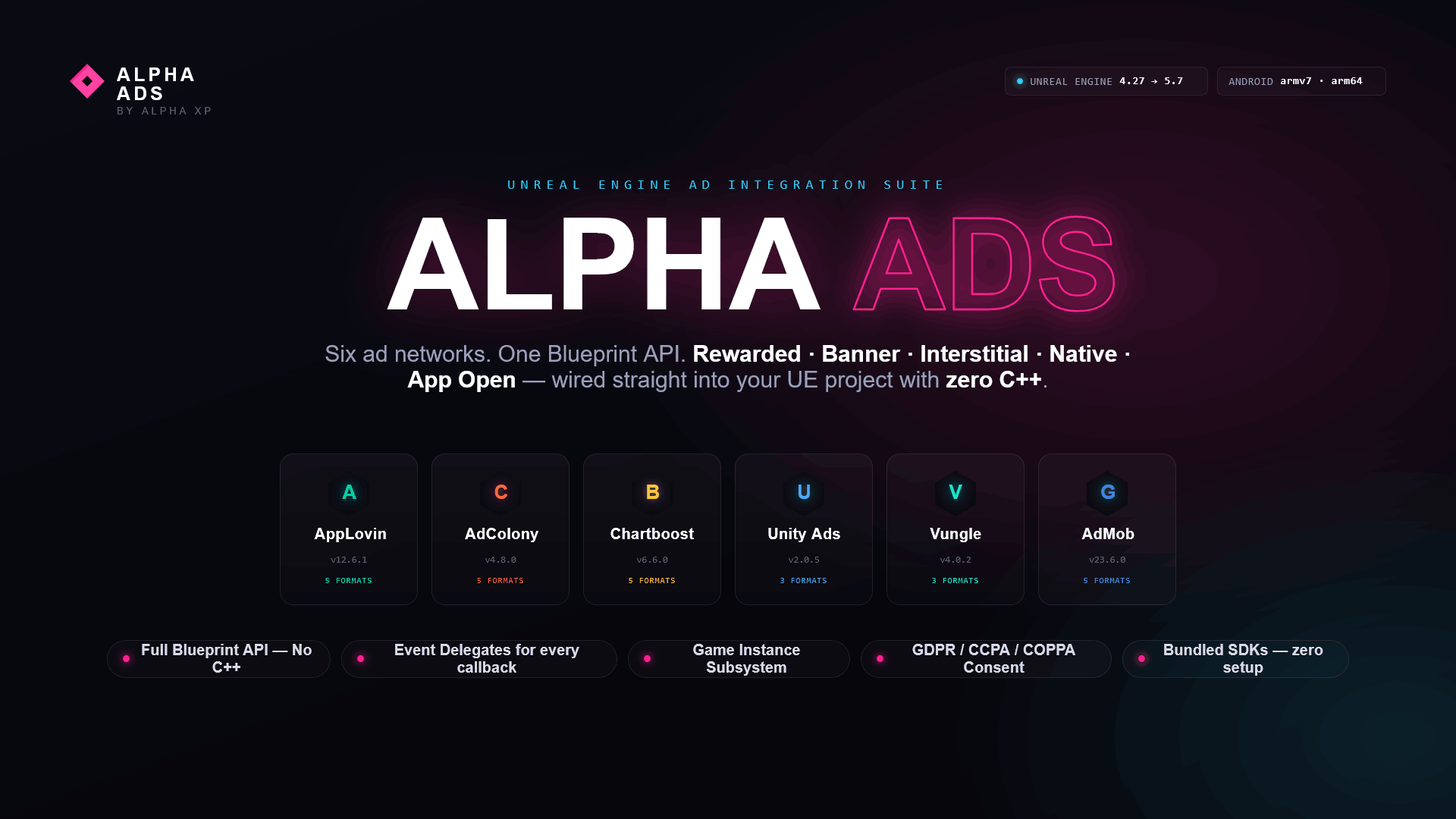
Alpha Ads - AdMob Integration is a Unreal Engine 4.27 and UE5.7 plugin that provides full Blueprint access to rewarded video, banner, interstitial, native, and app open ads on Android (armv7 + arm64) and iOS.
The plugin acts as an integration bridge to the Google Mobile Ads SDK (Android v23.6.0 / iOS) by Google LLC. No C++ knowledge is required to use this plugin.
Screenshots
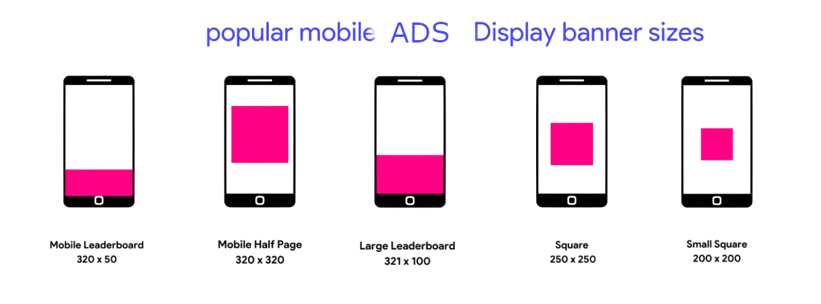
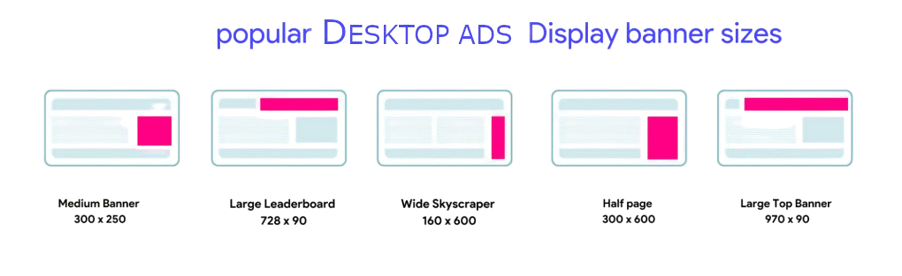
Mobile (Android)Desktop / Editor Preview
Features
Rewarded Video ads with reward-granted, availability-changed, and completion callbacks
Banner Ads with top/bottom position control, show, hide, and destroy support
Interstitial Ads with loaded, failed, shown, closed, and clicked event callbacks
Native Ad loading with loaded and failed event callbacks
App Open Ads with full lifecycle events (loaded, failed, shown, closed)
Ad Impression tracking delegate for all ad types
Game Instance Subsystem for global access without needing an Actor reference
Blueprint Function Library for direct one-call ad requests
Actor Component for per-Actor event binding and lifecycle management
Technical Details
Use the table below when completing the Technical Details section on the Fab product submission page.
Features
See Features section above
Code Modules
AdMob (Runtime)
Number of Blueprints
26
Number of C++ Classes
5
Network Replicated
No
Supported Development Platforms
Windows: Yes Mac: Yes Linux: Yes
Supported Target Build Platforms
Android (armv7 + arm64), iOS
Documentation Link
See this page and README.md included in the plugin folder
Example Project
Contact the author via the Fab product page
Important Notes
Requires a real Android or iOS device for testing. Emulators/simulators are not supported by ad SDKs.
Third-Party SDK
Field
Value
SDK Name
Google Mobile Ads SDK (Android v23.6.0 / iOS)
Provider
Google LLC
License
Google Mobile Ads SDK Terms of Service
Android SDK
Loaded via Gradle: com.google.android.gms:play-services-ads:23.6.0
This plugin integrates the Google Mobile Ads SDK for both Android and iOS. You must independently accept the Google AdMob terms of service and register your own account and App ID at the AdMob dashboard before ads will serve.
Setup Guide
1Copy the plugin — Place the plugin folder inside your project's Plugins/ directory.
2Enable the plugin — Open the editor, go to Edit > Plugins, search for Alpha Ads - AdMob Integration, and enable it. Restart the editor.
3Configure credentials — Go to Edit > Project Settings > Plugins > AdMob and enter your AdMob App ID and Ad Unit IDs.
4Package for Android or iOS — Build the project and package it for Android or iOS Shipping.
iOS Packaging: Requires a Mac with Xcode installed. The iOS SDK framework is bundled at Source/ThirdParty/AdMobSDK/iOS/. The plugin automatically links the required system frameworks (AdSupport, AppTrackingTransparency, StoreKit, etc.) and configures Info.plist entries via the UPL XML file.
Blueprint Usage Guide
All plugin functionality is available from Blueprint. Below is a step-by-step walkthrough of the most common use cases.
Accessing the Plugin (Subsystem)
This plugin provides a Game Instance Subsystem for easy global access. Get it from any Blueprint:
Get Game Instance
  → Get AdMob Subsystem
  → [call any function]
The Subsystem is automatically initialized when the game starts. You do not need to create it manually.
Rewarded Video / Primary Feature - Step by Step
Event BeginPlay
  ↓
Get AdMob Subsystem
  ↓
Bind Event to On Rewarded Video Completed
  ↓
Load Rewarded Video

——— On On Rewarded Video Completed ———————————————————
  ↓
Show Rewarded Video
Event Delegates Reference
Bind to these events before calling load/show functions:
Event
When it fires
On Rewarded Video Completed
Ad/content successfully loaded and ready to show
On Ad Availability Changed
Load or show failed (bool parameter indicates availability)
Important: Always bind your events before calling Load or Show functions, or you may miss callbacks.
Additional Blueprint Calls
Node
Description
Load Banner
Load Banner Ad into memory
Show Banner
Show Banner at chosen position (Top/Bottom)
Load Interstitial
Load Interstitial Ad
Show Interstitial
Display Interstitial Ad
Project Settings
All SDK credentials are configured in Edit > Project Settings > Plugins > AdMob. Fill in the following fields before packaging:
App ID — Your AdMob Application ID (e.g., ca-app-pub-XXXXXXXXXXXXXXXX~YYYYYYYYYY).
Ad Unit IDs — The specific ad unit ID for each ad format (rewarded, banner, interstitial, etc.).
All Project Settings fields are read at app startup and injected into the Android manifest (or iOS Info.plist) automatically by the plugin's UPL (Unreal Plugin Language) XML file.
Requirements
Requirement
Value
Unreal Engine Version
4.27
Target Platform
Android (armv7 + arm64), iOS
Min Android SDK
API 28 (Android 9)
Target Android SDK
API 30 (Android 11)
Min iOS Version
12.0
Development OS
Windows, Mac, Linux (iOS packaging requires Mac with Xcode)
Android NDK
r21e (as used by UE4 4.27)
Frequently Asked Questions
What engine version is supported?
Unreal Engine 4.27, Android (armv7 + arm64) and iOS.
Does this work with Blueprint-only projects?
Yes. No C++ required.
Plugin not visible in the Plugins list?
Ensure the plugin folder is placed directly inside Plugins/ (not nested inside a subfolder). Restart the editor after enabling.
Ads / features not working on device?
1) Verify all credentials in Edit > Project Settings > Plugins > AdMob. 2) Test on a real Android or iOS device — emulators/simulators are not supported. 3) Check Android logcat or Xcode Console for SDK error messages.
Do I need an AdMob account?
Yes. Register at the AdMob dashboard and obtain your App ID and Ad Unit IDs before ads will serve.
Which SDK version is included?
Android: Google Mobile Ads SDK v23.6.0 loaded via Gradle. iOS: Google Mobile Ads framework at Source/ThirdParty/AdMobSDK/iOS/.
Does this plugin work on iOS?
Yes. This plugin supports both Android (armv7 + arm64) and iOS. iOS packaging requires a Mac with Xcode.
Can I use multiple ad/feature plugins at the same time?
Yes. Each plugin is fully independent and can be enabled alongside other plugins without conflict.
How do I get support?
Contact the author via the Fab product page.
Support & Notes
Always test on a real Android or iOS device. Ad SDKs do not serve ads on emulators/simulators.
Check Android logcat or Xcode Console for detailed SDK error messages during development.
Each ad plugin is independent and can be enabled alongside other plugins simultaneously.
For plugin issues, contact the author via the Fab product page.